

Find
PDFs
Reading PDFs, linking to pages, highlights and comments, and exporting notes to PDF.
Reading PDFs
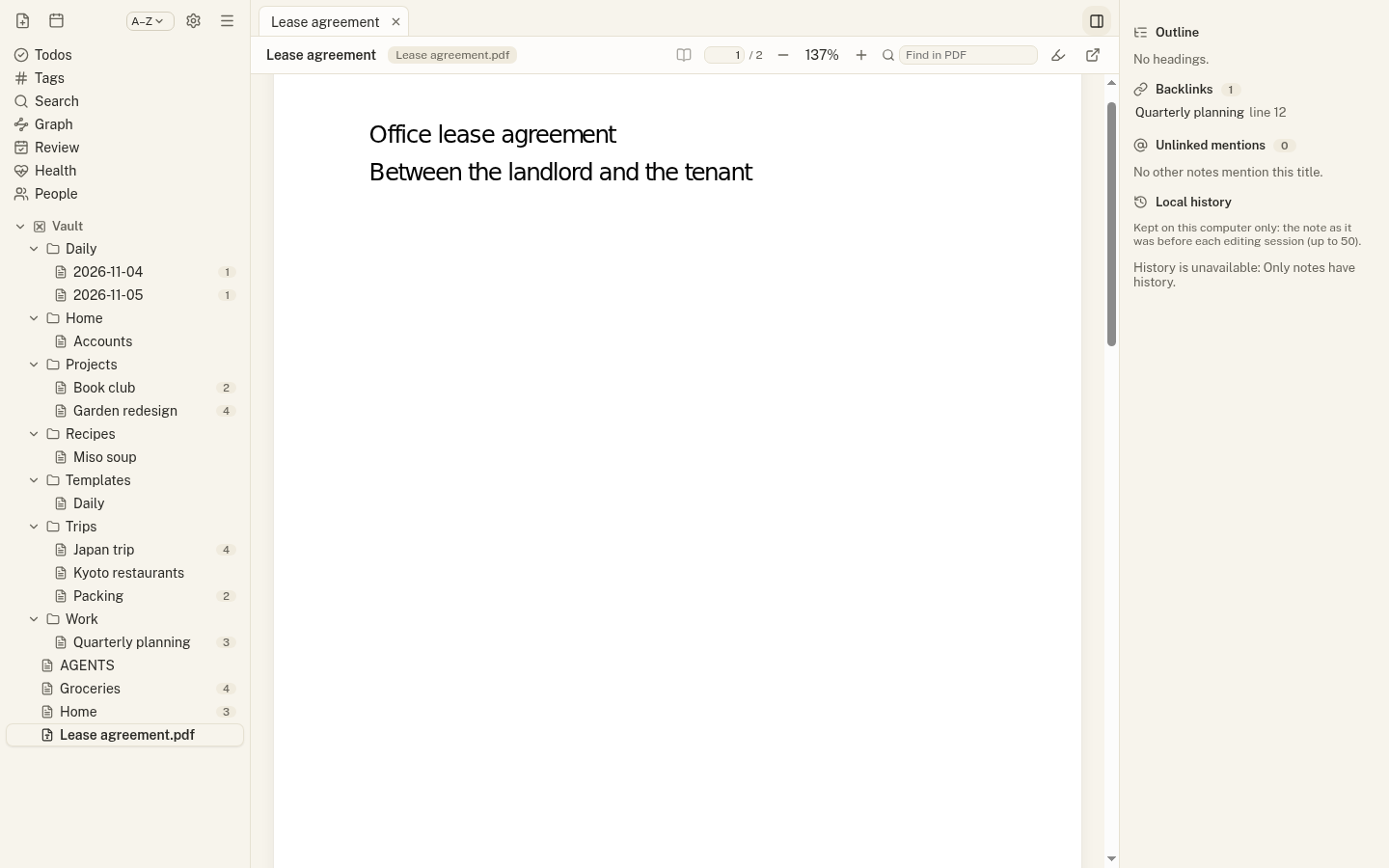
PDFs in your folders open in a Jotzen tab: pages draw as you scroll, with zoom, page jump, find, the PDF’s outline and selectable text. PDFs are drawn on your computer and their scripts never run; Open in system viewer is always there.
Linking and embedding pages
Link to a page with [[report.pdf#page=3]], and embed a preview of a page with ![[report.pdf#page=3]].
Highlights and comments
Select text in a PDF to highlight it or add a comment. Highlights are kept in a Markdown note next to the PDF (report.pdf.md), so their tags and todos join the Tags and Todos views like any other note.
Exporting notes
Export to PDF (File menu or command palette) saves the open note as a PDF; Export note to HTML saves it as one standalone web page that opens anywhere.